
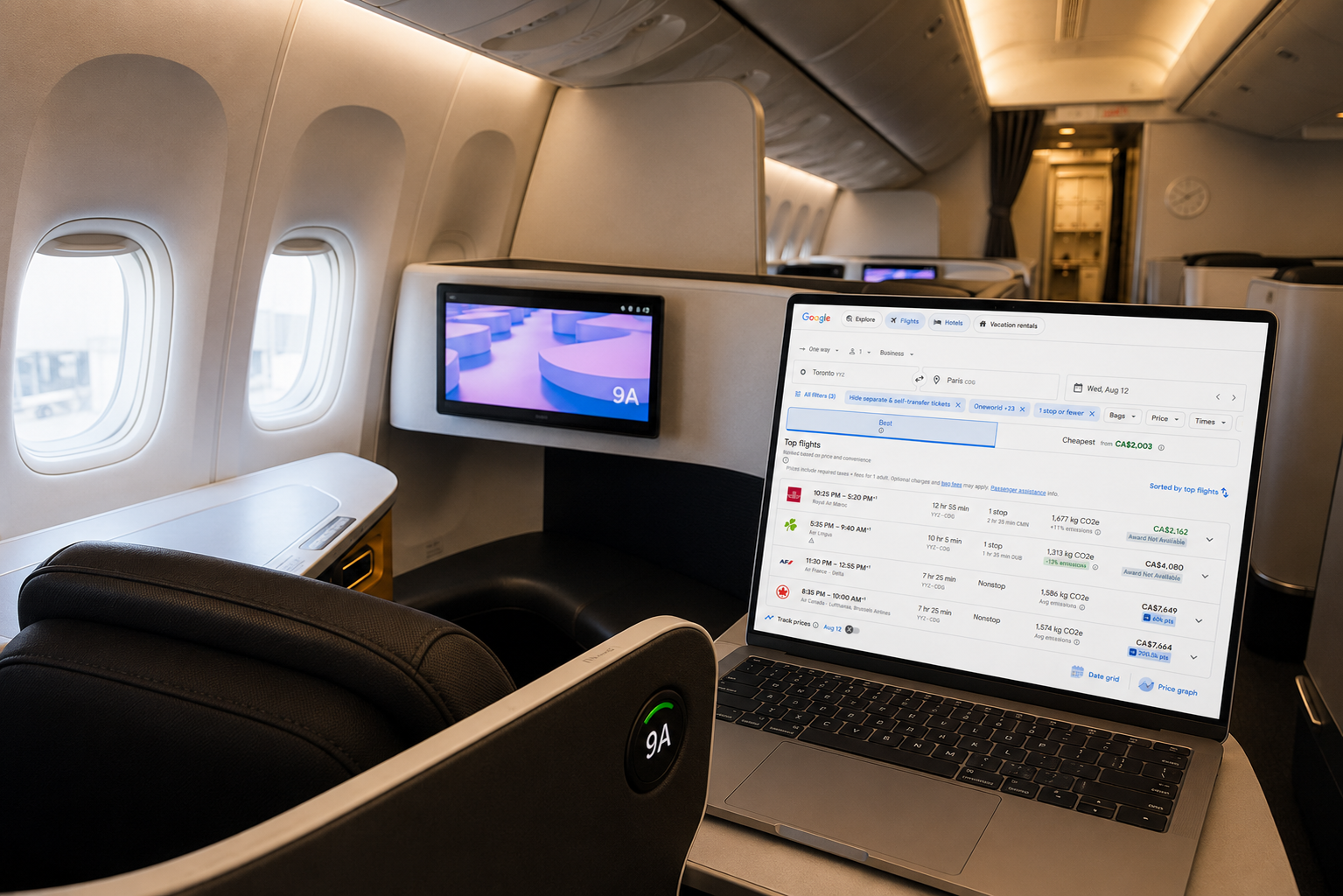
The new Seats.aero Google Flights Chrome Extension is one of the best additions Canadians have seen for finding award flights with points.
Seats.aero has always been our favourite tool for finding award availability, because it lets you search across dozens of airline loyalty programs at once.
With this new Google Flights Chrome Extension for Seats.aero, you can now also compare multiple reward rates with cash rates to choose the best option for your next flight.
Here’s how to use the Seats.aero Google Flights Chrome Extension to save money and get the best deals with your points.
What is Seat.aero
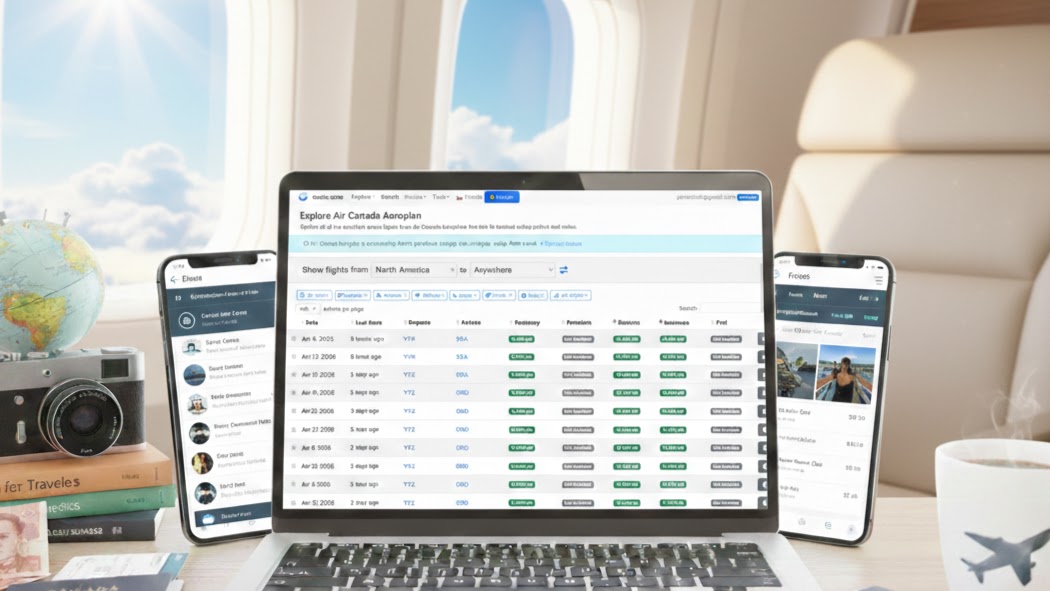
Seats.aero is a total game changer when it comes to searching for award flights with points. Instead of searching day by day with each loyalty program, you can search entire regions and countries all at once, as well as multiple airports.
One of the most handy features of Seats.aero is the Explore tool. It shows you availability across an entire continent on a single page, so you can see right away the best departure and destination cities for any trip. It’s super valuable if you’re willing to be flexible with your airports to find the best redemptions.
It’s especially handy for finding hard-to-get partner flights in business class. Think Star Alliance space through Aeroplan, WesteJet Flights with Flying Blue or British Airways Avios partner airlines.
Results with Seats.aero are intuitive and fast, and it’s free to get started. You’ll get cached results for up to the next 60 days.
Paying for Seats.aero Pro is well worth it in my opinion beacuse you’ll get results up to a full year out. ou’ll also get advanced filters like direct flights only, plus real-time results instead of cached.
Keep in mind that you should always double-check availability on the program’s site before you transfer any points.
AWP TIP
Unlike cash flights, one-way award flights with points don’t require more than half of a round-trip.
So searching one-way with Seats.aero gives you more flexibility and more opportunities to find great award availability.
You can even mix loyalty programs and fly different cabin classes for each way.


Business Award Concierge
Have a business? Book a complimentary call to see how our done-for-you Business Award Concierge can turn your business expenses into $50K luxury travel.
Limited spots available.

Business Award Concierge
Have a business? Book a complimentary call to see how our done-for-you Business Award Concierge can turn your business expenses into $50K luxury travel.
Limited spots available.
Seats.aero Google Flights Chrome Extension
The Seats.aero Google Flights Chrome Extension adds the required number of points for each flight directly in the Google Flights search results. Allowing Canadians to compare cash fares and award redemption options all in one handy place.
It’s an easy-to-use and intuitive interface that shows you the points price right under the cash price for every flight. Plus, all other loyalty programs that are available for the same flights, the taxes and fees, and the cabin class.

Installing Seats.aero Google Flights Chrome Extension
Installing the extension is super simple with a few clicks. Simply visit the Chrome Web Store and add the Seats.aero extension to your browser. From there, you’re off and running.
The extension officially supports Google Chrome and other Chromium-based browsers capable of using Chrome extensions, including Microsoft Edge and Brave on desktop, but not on mobile.

The AWP Newsletter
Travel more using points
Get my free beginner guide and weekly tips on credit cards, points, and travel loyalty programs.
The AWP Newsletter
Travel more using points

Get my free beginner guide and weekly tips on credit cards, points, and travel loyalty programs.
Using Seats.aero Google Flights Chrome Extension
Using the Seats.aero Google Flights Chrome Extension is super easy and intuitive.
Once it’s installed, you’ll see the required number of points for each flight directly inside Google Flights.
Hovering over the price will show you more details, like alternative loyalty programs, taxes and fees, cabin availability, and when the award pricing was last seen.
You can also filter results by the airlines and loyalty programs you actually use, like Aeroplan or Flying Blue, so you only see redemptions that matter to you.
Plus, pro members can also filter by the maximum number of points and maximum taxes and fees.
From there, you can click through to the loyalty program’s website to confirm availability and book.

The Seats.aero Google Flights Chrome Extension came in super handy when we were searching for a flight from Toronto to Amsterdam for July 26, 2026.
We found two great award flight options in business class. Aeroplan was 65,000 points via Montreal with lower taxes and fees. A direct flight with KLM was 60,000 Flying Blue miles.
It was super easy to make the decision to redeem points when we could see that the cash price was $7,700. Getting us 13 cents per point either way.
Tips for Finding Award Flights
The Seats.aero Google Flights Chrome Extension gives Canadians plenty of ways to find award flights with major loyalty programs like Aeroplan, Flying Blue, and British Airways Avios.
A few strategies will help you find the best availability, especially when looking for business class seats.
You’ll have the best opportunities to find award seats when you look for one-way flights, search nearby airports to open up more availability, and consider at least one connection.

Bottom Line
The Seats.aero Google Flights Chrome Extension makes it easy for Canadians to compare cash and points prices without leaving Google Flights.
You’ll see pricing across major programs like Aeroplan, Flying Blue, and British Airways Avios right beside every cash fare, so you can decide in seconds whether points or cash is the better deal.